Cutting Costs, Not Corners: How We Migrated Our AI Document Pipeline from AWS to Cloudfleet
Introduction aka TL;DR;
In January, we handled almost twice the workload we handled in December at a fifth of the cost.
Background
In the world of AI-driven building intelligence, “efficiency” isn’t just a buzzword—it’s our product. At Findable, we help asset managers and property owners automate their documentation, turning chaotic pile-ups of PDFs and many other file types into structured, actionable data in minutes.
But while our AI was busy optimizing our customers' operations, our own infrastructure bill was doing the opposite.
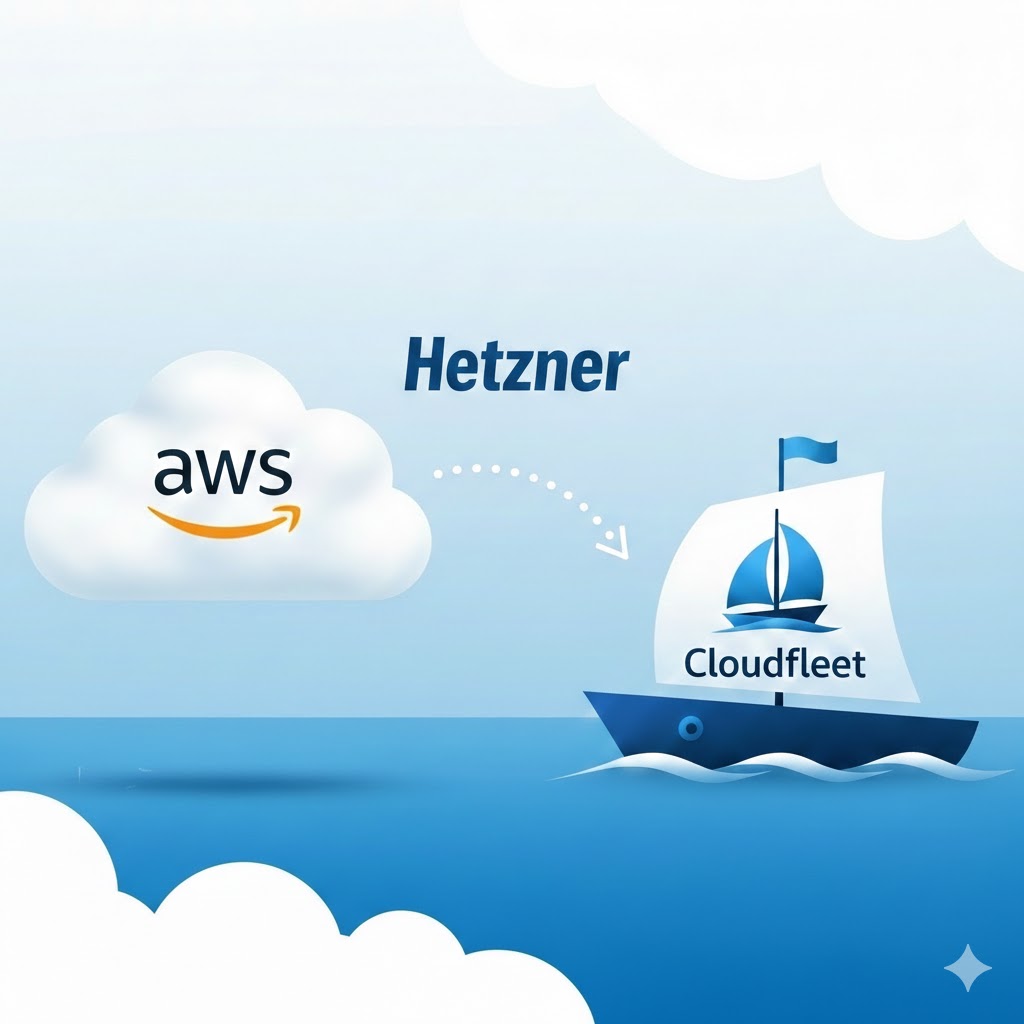
We recently completed a major migration of our core document processing pipeline from a serverless AWS stack to a Cloudfleet Kubernetes cluster mainly running on Hetzner. The move has not only slashed our infrastructure costs but also simplified our deployment model and increased our system's reliability.
Here is why we moved, how we did it, and why technical leaders should look beyond the “Big Three” clouds for high-performance workloads.
The Challenge: The “Serverless” Tax at Scale
Our previous pipeline was a textbook AWS serverless architecture: AWS CDK for infrastructure (yes, of course we considered Terrafrom, but config files are not code), with logic distributed across SQS, ECS Fargate, Lambda, and EventBridge.
While this setup was easy to bootstrap, it became increasingly complex and expensive as we scaled. Document processing is a variable workload; one minute we are idle, and the next we are ingesting terabytes of documentation from a new property portfolio.
- Cost: Fargate and Lambda compute costs are significantly higher per vCPU-hour compared to bare metal or standard VMs.
- Complexity: Managing state across stateless functions required a web of SQS queues and EventBridge rules that was becoming hard to reason about and debug.
- Developer Experience: While we had a full CI/CD using Github workflows, the deployment time for some of the services was very long because CDK would always build all the docker images for Fargate. Waiting more than an hour for a build is not good. Deploying to our development environment now takes less than 5 minutes while rolling to production is a matter of restarting pods.
The Solution: Cloudfleet + Temporal
We moved to a Cloudfleet Kubernetes cluster backed by Hetzner nodes. Cloudfleet gives us the “managed” feel of EKS or GKE—handling the control plane and complexity—while allowing us to leverage Hetzner’s incredible price-to-performance ratio. I have to note that we never used k8s in AWS, Fargate on ECS was our choice.
To orchestrate the workload, we replaced our SQS/Lambda glue with Temporal.
Why Temporal?
For a document pipeline like ours, Temporal is a game-changer. Instead of chaining stateless functions with queues, Temporal allows us to write “durable workflows” as code.
- Reliability: Retries, timeouts, and error handling are built-in. If a worker node dies mid-OCR, Temporal simply replays the execution on a new node without data loss.
- Visibility: We can see exactly where a specific document is in the pipeline (OCR, Classification, Extraction) without first peeking at a message in a DQL before grepping through CloudWatch logs.
Infrastructure as Code: From CDK to Pulumi
We bid farewell to AWS CDK and adopted Pulumi for our new infrastructure. Pulumi allows us to use familiar programming languages (TypeScript/Python) to define our Cloudfleet and Hetzner resources. For deployment, we shifted to direct kubectl commands, giving us granular control over our rollout strategies without the abstraction overhead. We still use Github workflows, but we only build and deploy changed code. And best of all, deploying to production is now a matter of setting a tag on the image we have built and tested.
The “Auto-Scaling” Magic
One fear of leaving AWS Fargate is losing that effortless scaling. Cloudfleet solves this with automatic node provisioning.
Our workload is spiky. When a large customer onboarding happens, the cluster automatically provisions new Hetzner nodes to handle the influx. When the queue drains, those nodes spin down. We get the elasticity of serverless but pay the raw compute price of Hetzner. The cost saving are actually so drastic that while we always scaled down to 0 in AWS, we now keep 1 running pod for each worker.
How We Migrated Fast: AI-Assisted Porting
Migrating a production pipeline sounds daunting, but we had help. We utilized Claude Code and Cursor to handle the heavy lifting of porting our codebase.
Boilerplate Busters: We tasked AI agents with rewriting our Lambda handlers and SQS consuming docker images into Temporal Activities and Workers.
Focus on Logic: Instead of reading documentation on every minor syntax difference, our engineers focused on verifying that the business logic remained 100% correct.
The result? We cut down a migration that could have taken months into weeks, significantly reducing the “opportunity cost” of the infrastructure switch. Our first Temporal workflow with a few of the core workers was actually running in our development environment after a few days. Admittedly, we had already set up a service in this environment so we had some experience before starting this work.
The Verdict
Moving to Cloudfleet and Hetzner wasn't just about saving money (though the savings are substantial). It was about regaining control.
We own our compute orchestration.
We have better observability through Temporal.
We pay for resources, not requests.
Deploying to our development environment takes a few minutes instead of an hour.
For CTOs and Architects looking at their cloud bills and wondering if there is a better way: there is. You don't have to build Kubernetes from scratch to escape the hyperscaler premium. Tools like Cloudfleet are bridging the gap, letting you focus on your business—just like we focus on ours.
Curious about how Findable transforms building documentation? Visit us at findable.ai.